

Visit FedEx Official Website #
- Go to: https://www.fedex.com
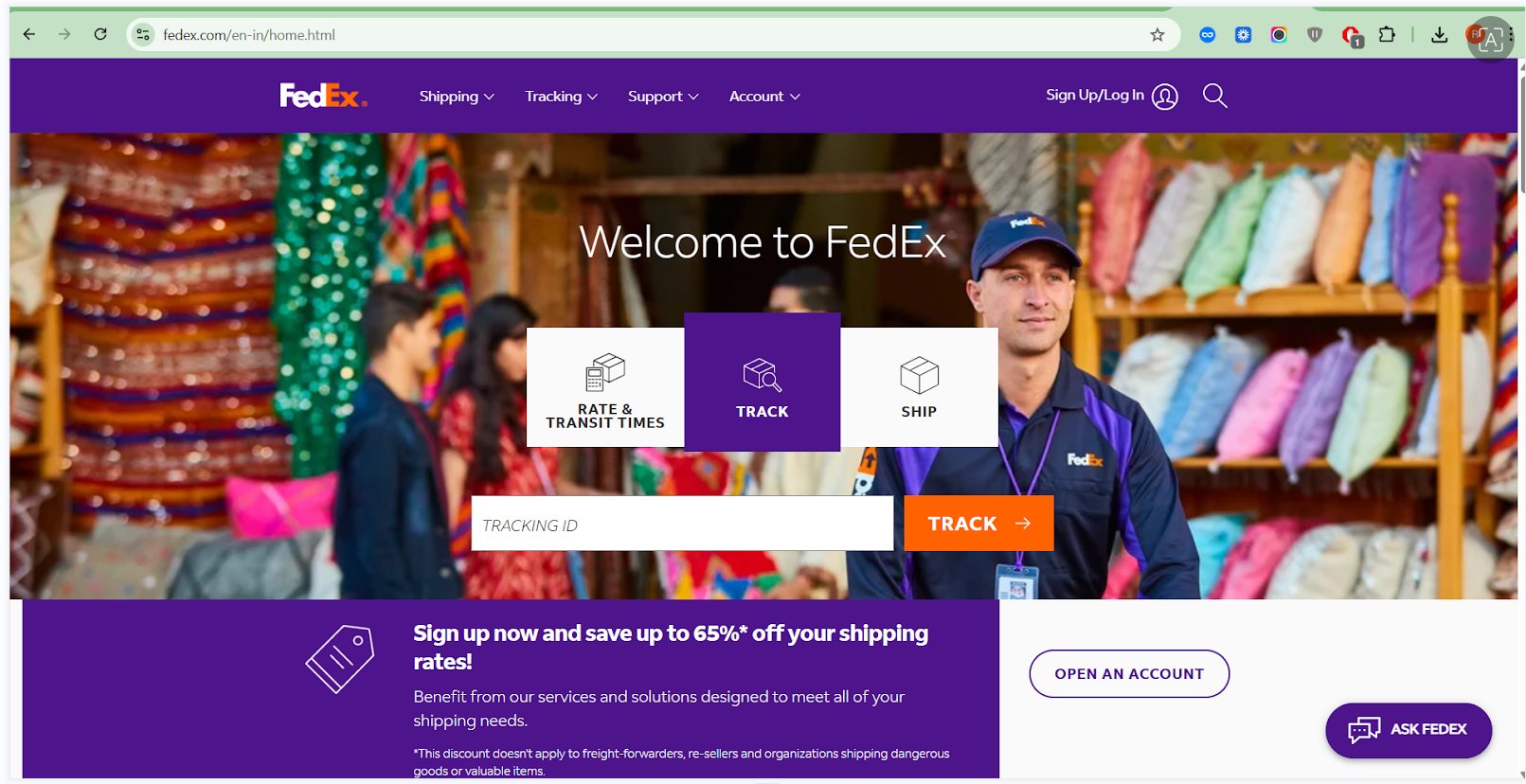
- Click Sign Up / Login (usually at top-right).
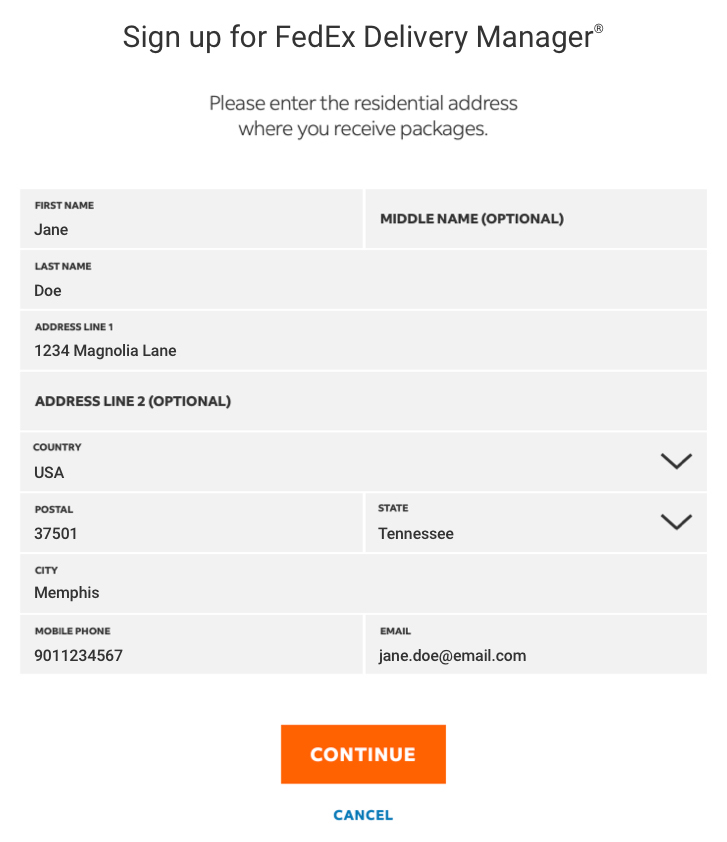
Start Creating Your FedEx Account #
Choose Account Type #
FedEx will show options like:
- Business Account (Recommended for API + shipping)
- Personal account
Click Open a Business Account.
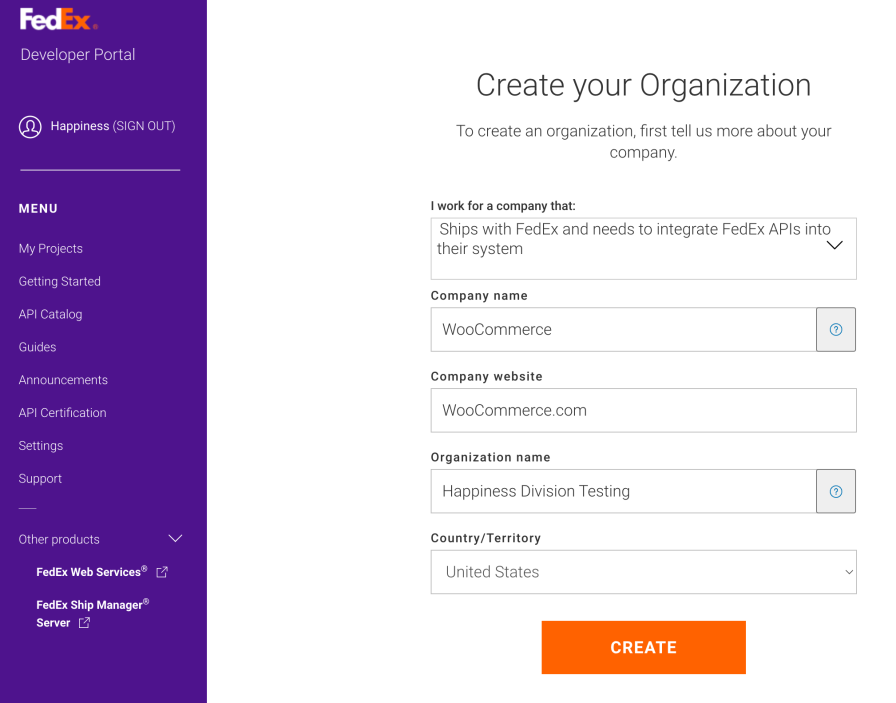
Enter Basic Details #
Fill the form:
- Full Name
- Email Address
- Mobile Number
- Company Name
- Business Address & Pincode
- GST Number (Optional but recommended for India)
- Business Type
Click Continue.
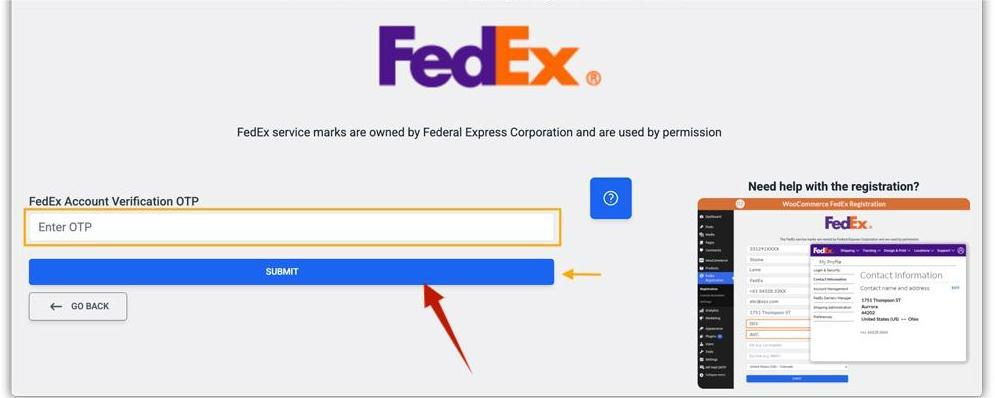
Verify Email & Phone #
FedEx will send:
✔ OTP to your mobile
✔ Verification link to your email
Verify both.
Add Billing & Shipping Information #
Enter Shipping Preferences #
FedEx will ask:
- Expected monthly shipments
- Average weight
- Type of goods (Documents / Packages)
- Pickup preference (Daily / On-demand)
Click Next.
Payment Setup #
You may be asked:
- Credit Card
- UPI / Netbanking (region-specific)
- Billing address
Even if you do not ship yet, FedEx requires billing info on file.
Get Your FedEx Account Number #
Once signup completes:
➡ FedEx dashboard opens.
➡ You will now see Your FedEx Account Number.
Copy this — it’s required for API integration.
Enable Web Services (API Access) #
Go to FedEx Developer Portal #
Visit:
https://developer.fedex.com
Log in with the same FedEx account.
Create a Production API Project #
Inside Developer Portal click:
My Projects → Create Project
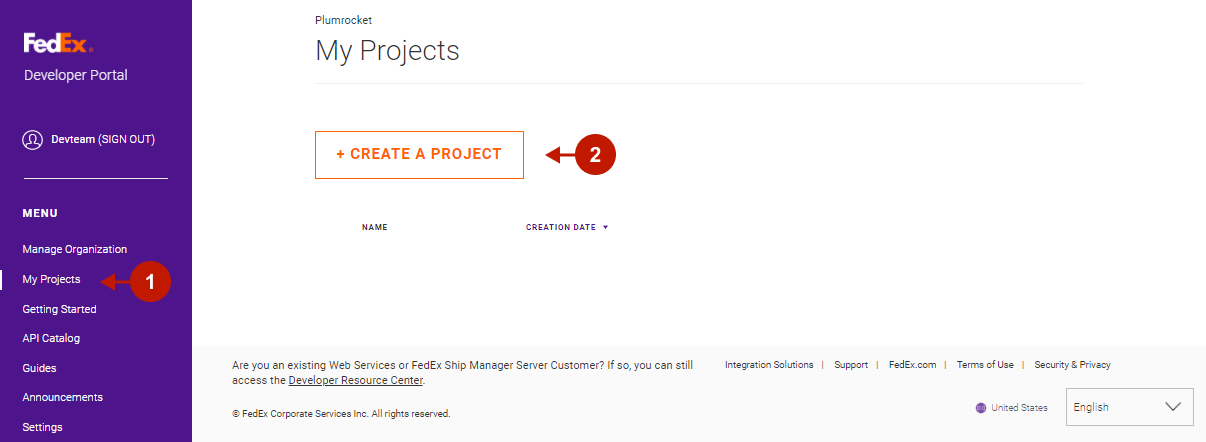
Select APIs you need:
- Rates API
- Ship API
- Tracking API
- Address Validation API
- Pickup API
Choose:
✔ Production environment
Click Continue.
Generate Production API Credentials #
Fill API Project Details #
You will be asked:
- Project Name
- Use Case (“Integrate shipping for WooCommerce” etc.)
- FedEx Account Number (from Step 4)
- Company Details
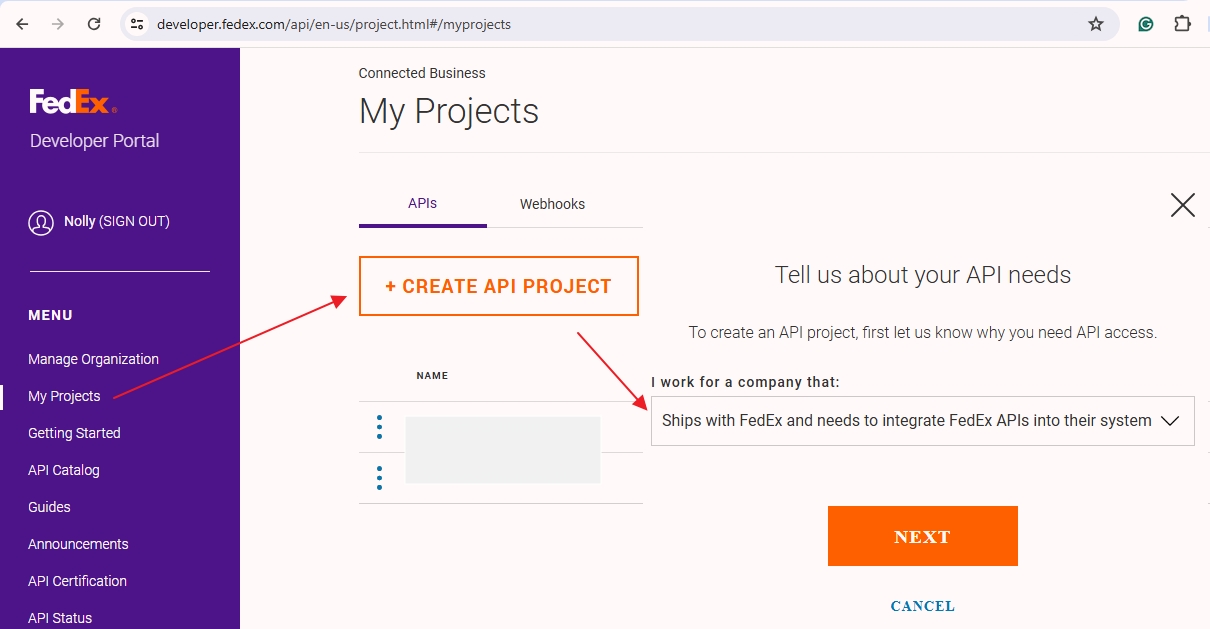
Click Submit.
FedEx Approval (Instant or Manual) #
FedEx may:
Approve instantly (for basic shipping/rating)
Or ask for:
- Govt ID
- Business proof
- GST certificate
- Website URL
This is normal.
Once approved → Production project unlocks.
Retrieve Production API Keys #
Open Your Approved API Project #
You will now see:
Production API Credentials
- API Key
- API Secret
- Account Number
- Meter Number
- Shipping Account Region
Copy ALL these values.
Accept FedEx API Terms & Download Documents #
Accept Agreements #
FedEx requires you to accept:
✔ FedEx Web Services License Agreement
✔ Developer Terms of Use
Only then you can access production services.
Download Required API Files #
Download:
- WSDL / OpenAPI Specification
- Label Specification (ZPL / PNG / PDF)
- Rate Request/Response Samples
- Tracking Request/Response Samples
You may need these for debugging.
Enable Label Printing API (Optional But Common) #
If your integration needs:
- Printing shipping label
- Auto-book pickup
- Return labels
FedEx may require manual approval.
Steps:
- Open a support ticket → Developer Support.
- Tell them:
“We need Production Access for Ship API to generate labels.”
They approve usually in 24–48 hours.
Put Credentials Into Your Plugin or App #
Most integrations need:
FEDEX_API_KEY = xxxxxFEDEX_API_SECRET = xxxxxFEDEX_ACCOUNT_NUMBER = xxxxxFEDEX_METER_NUMBER = xxxxxFEDEX_MODE = production
After entering → run a test request to verify.


