

Easyship Account Creation & API Key Setup Guide #
This document explains how to create an Easyship account and generate API keys for Sandbox (testing) and Production (live) for API integration.
1. Create an Easyship Account #
Follow the steps below to create an Easyship account.
Step 1: Open Easyship Website #
Open your web browser.
Go to the Easyship official website : https://www.easyship.com
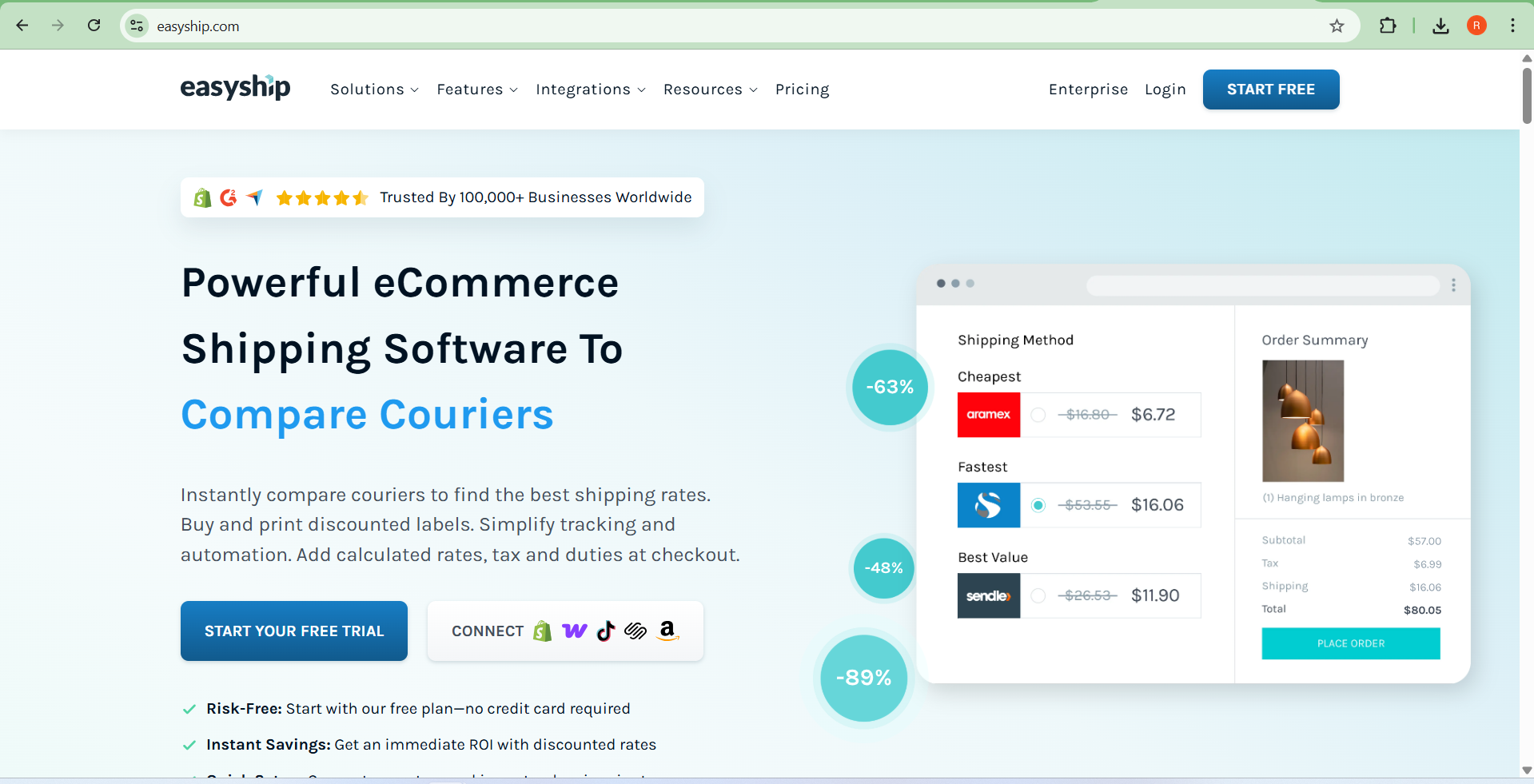
Click Start your Free Trial.
Step 2: Enter Account Details #
Fill in the required information:
Full Name
Email Address
Password
Company Name (Optional)
Country / Region
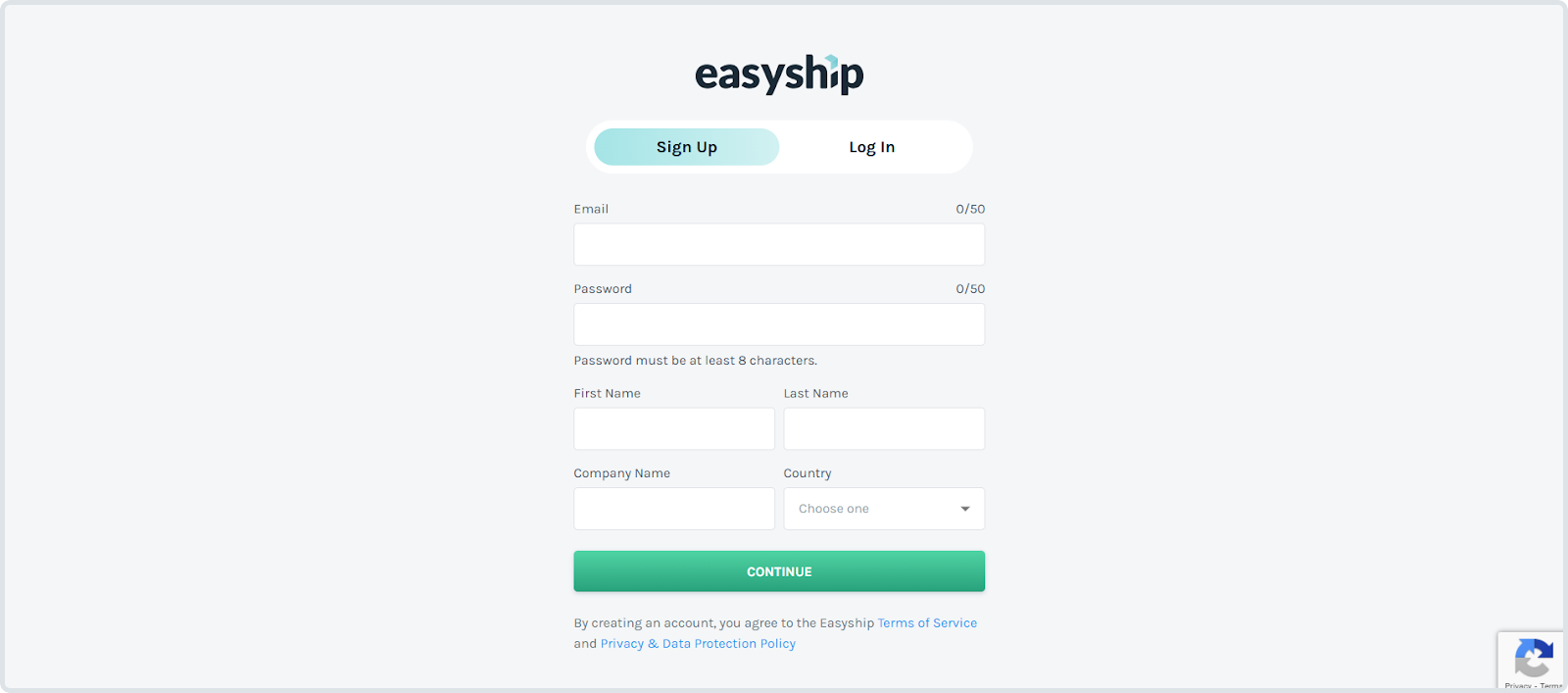
Then click:
Create Account
Step 3: Verify Email #
Easyship will send a verification email to your registered email address.
Open the email.
Click the Verify Email button.
After verification, your account will be activated.
2. Login to Easyship Dashboard #
Go to:
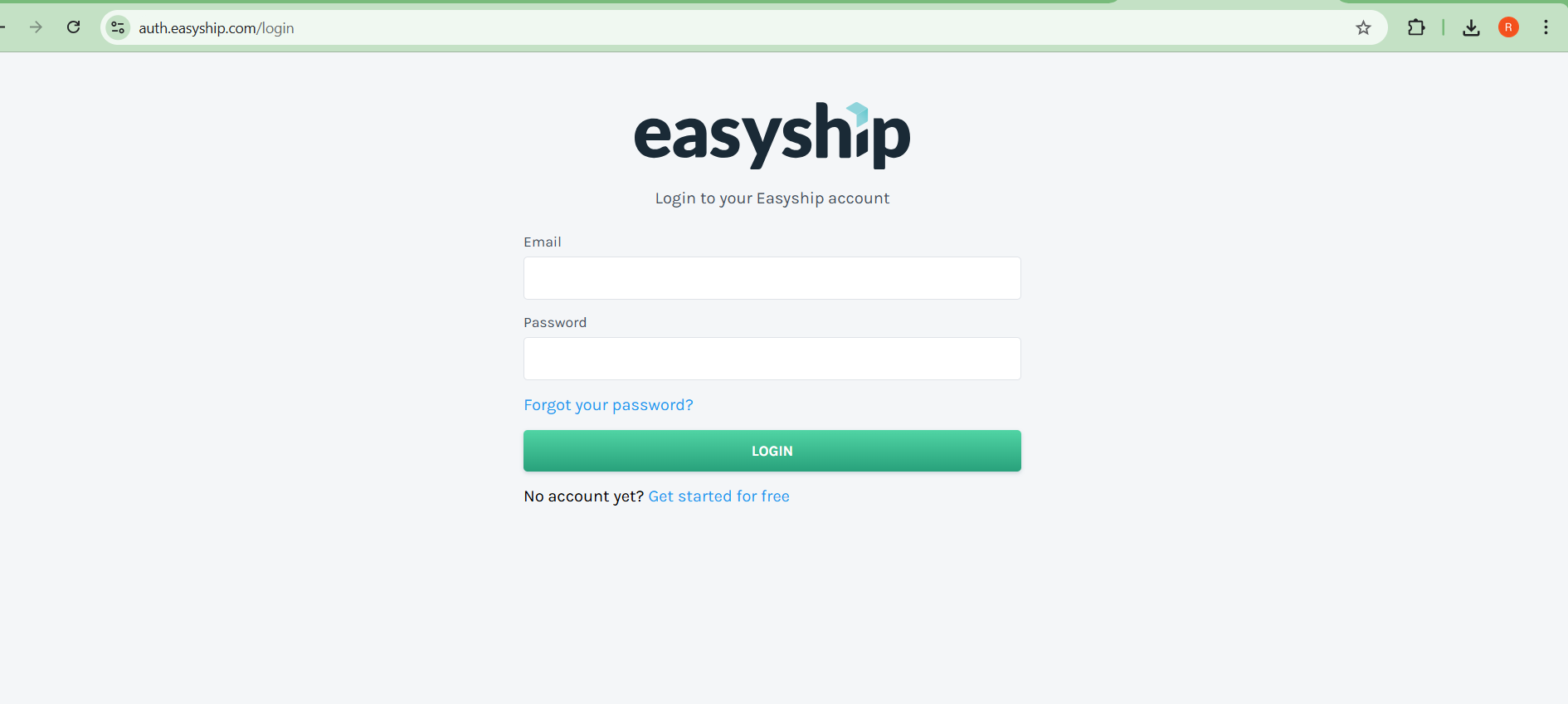
Enter:
Password
Click Login.
You will be redirected to the Easyship Dashboard.
3. Enable API Access #
Before generating API keys, you must enable API integration.
Steps #
From the Dashboard, click:
Connect
Search for:
API
Select Easyship API.
Click : Connect
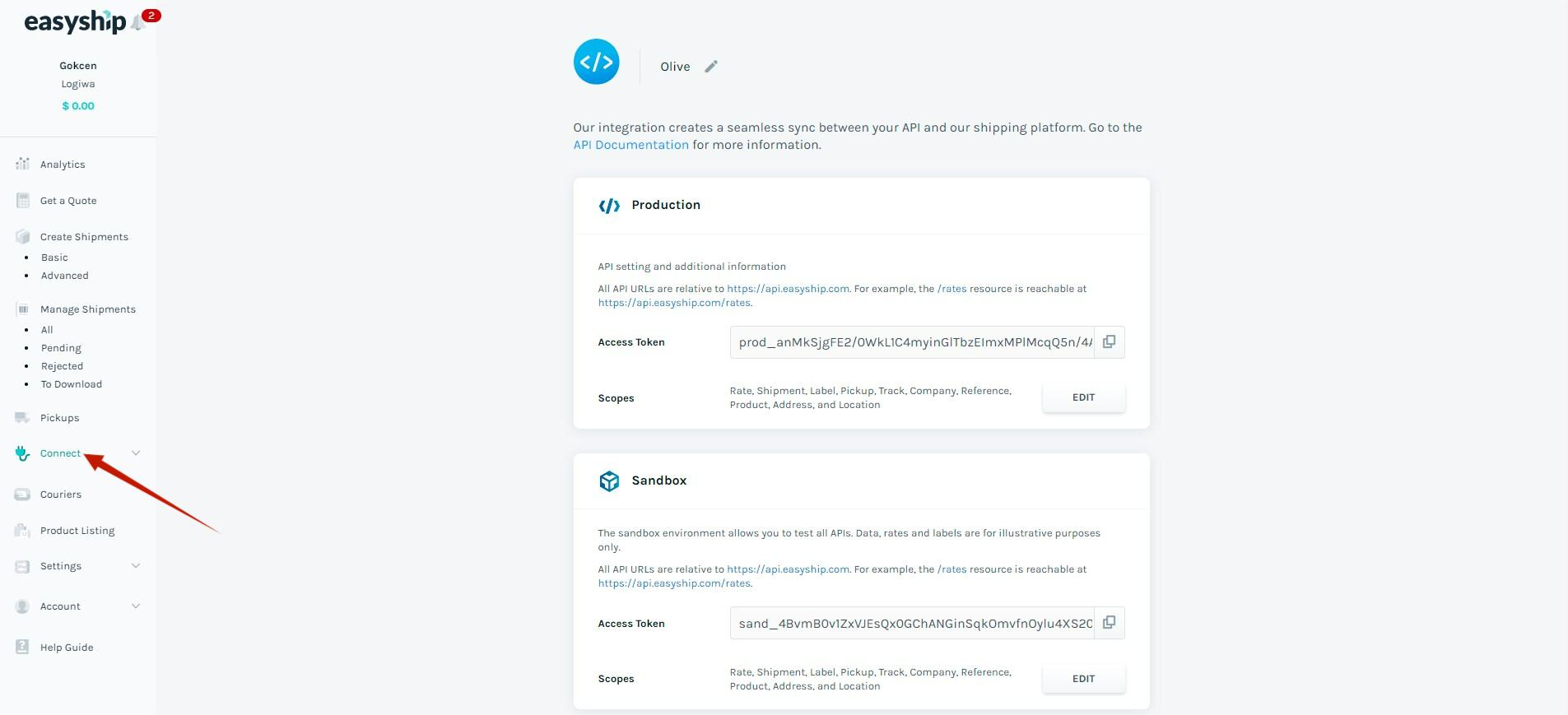
This will enable API access for your account.
4. Generate Easyship API Key #
Follow these steps to create your API key.
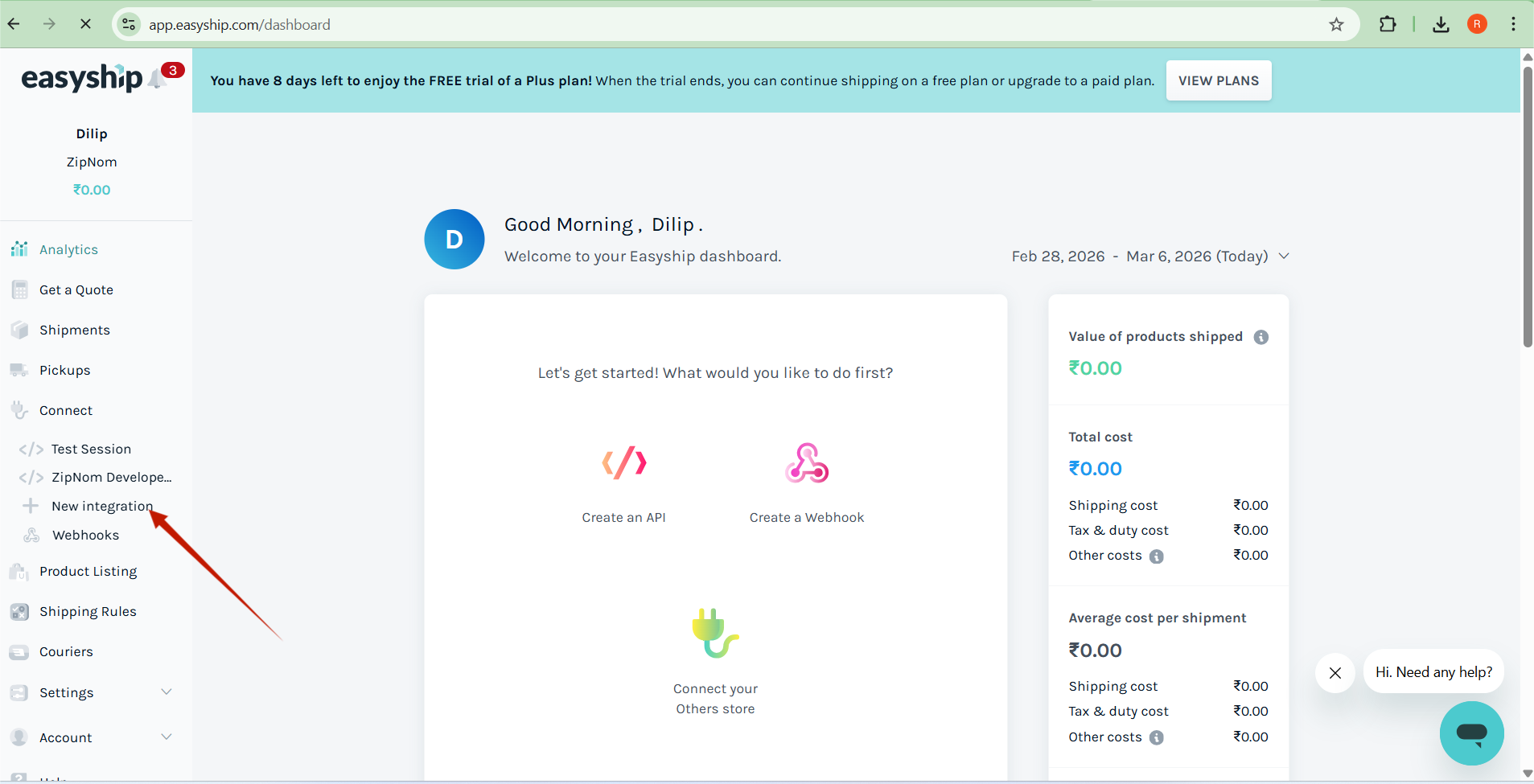
Step 1: Go to API Integration #
Click: New Integration
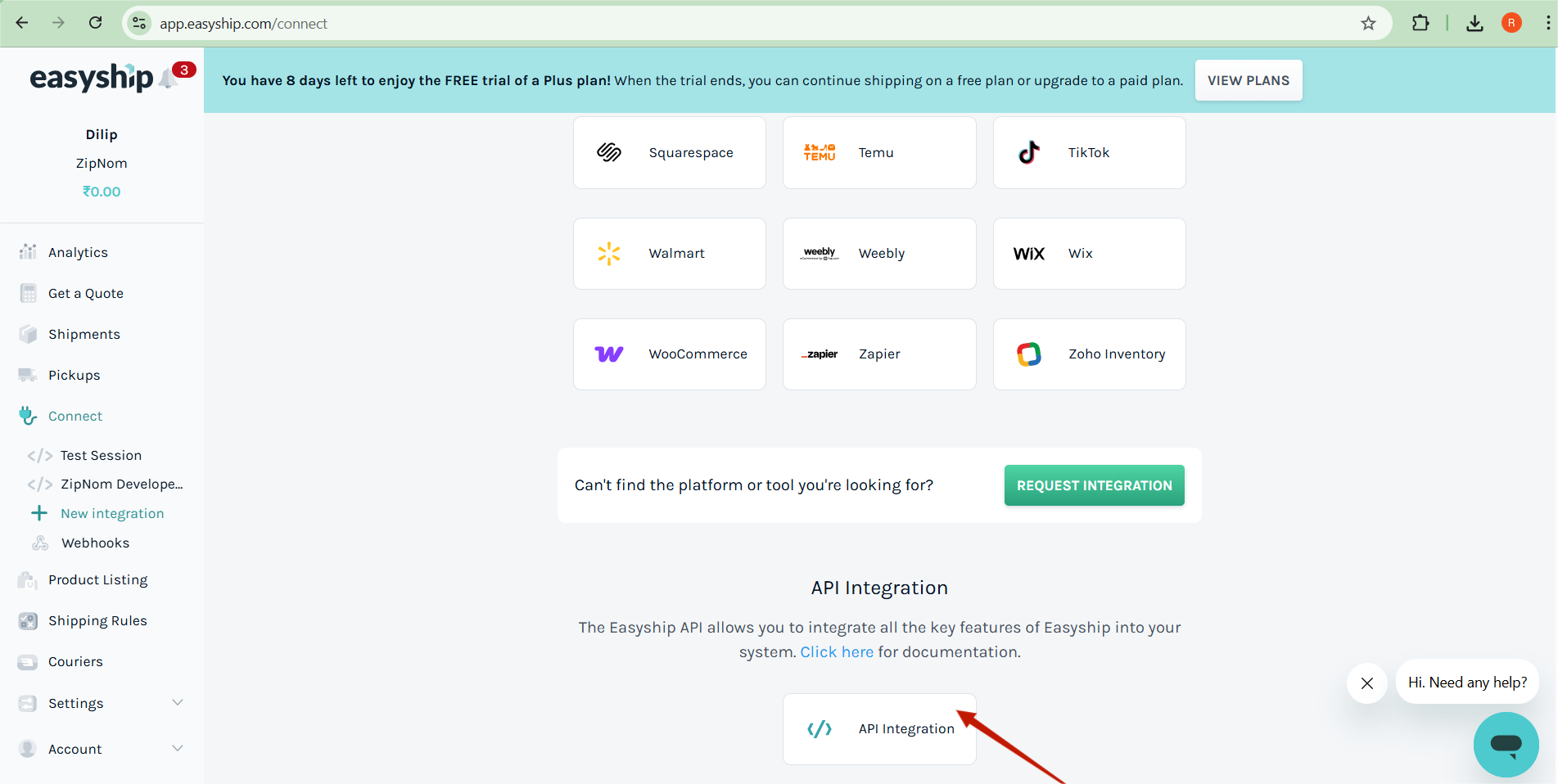
Step 2 : API Integration #
Click : API Integration
Enter:
Key Name (Example: WooCommerce Integration)
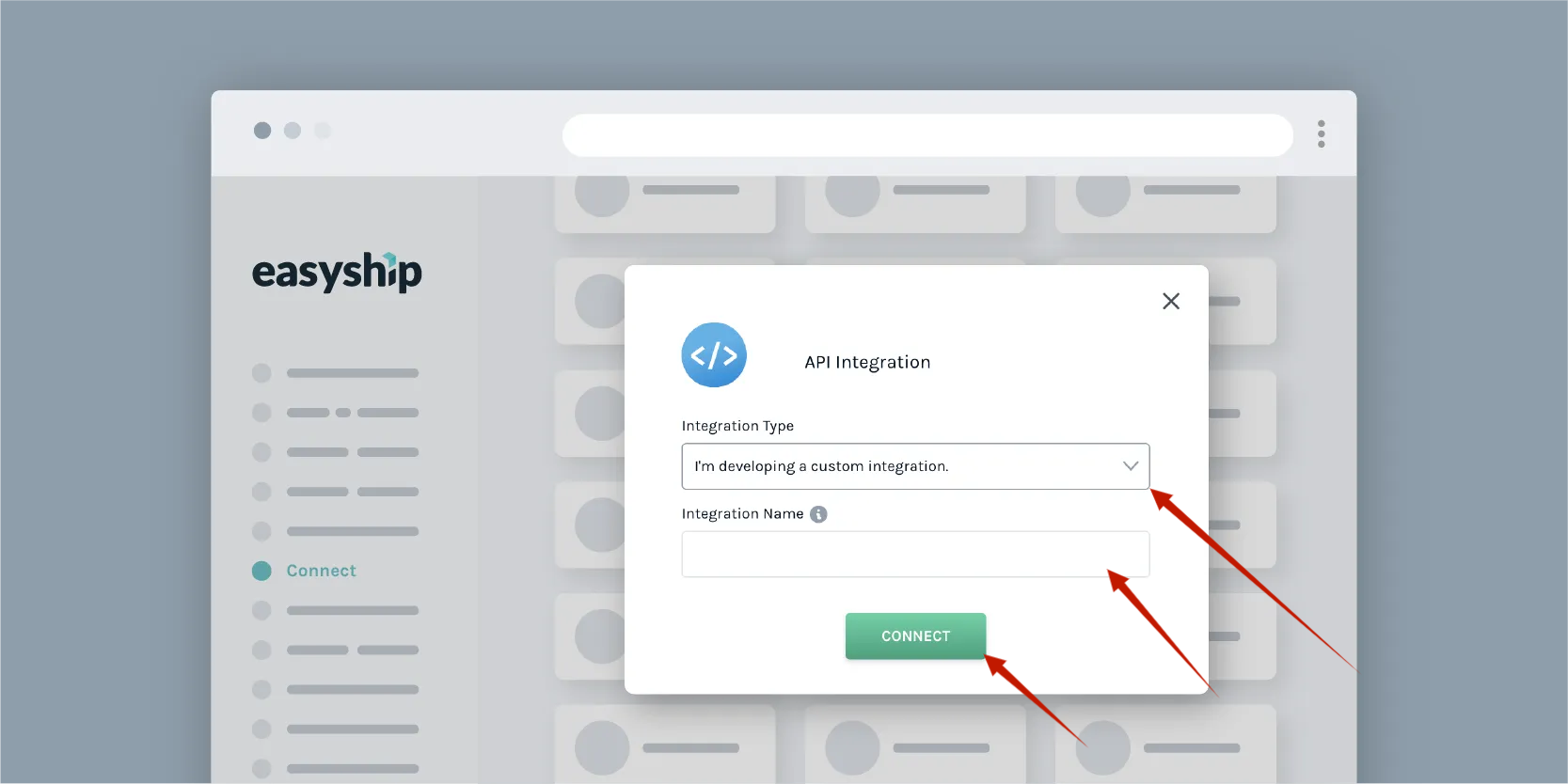
Environment
Sandbox (Testing)
Production (Live)
Click : Connect
Step 3: Copy API Key #
Once generated, copy the API key and store it securely.
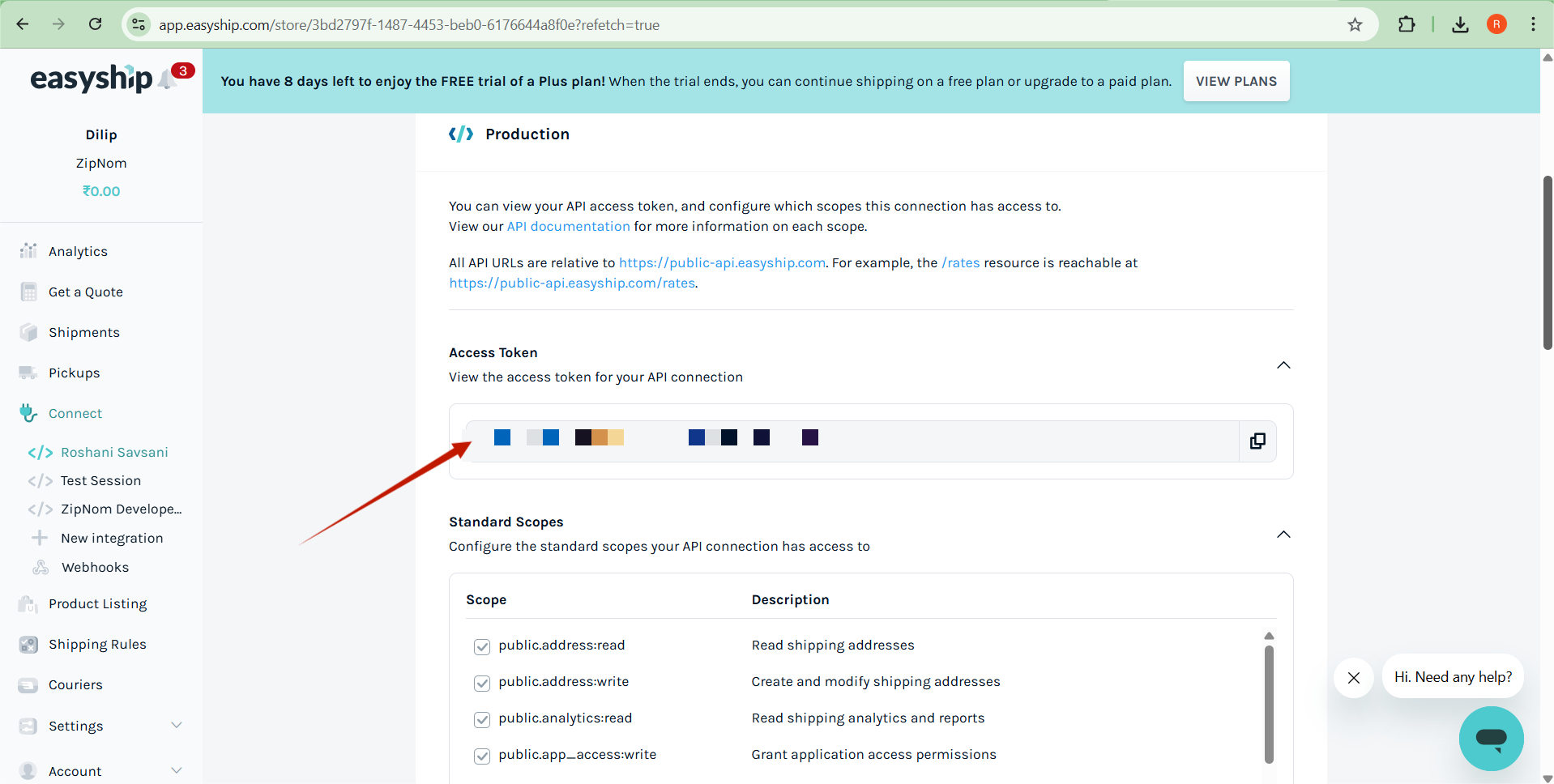
Example:
API Key: prod_xxxxxxxxxxxxxxxxx
5. Easyship API Base URLs #
Use the correct API base URL depending on the environment.
Sandbox (Testing) #
https://public-api.easyship.com/2024-09
Use this for:
Development
API testing
Debugging
Production (Live) #
https://public-api.easyship.com/2024-09
Use this for:
Live shipping
Real orders
Production system
6. Test API Connection #
You can test your API key by calling the Rates API.
Example API Endpoint #
POST /rates
Full URL:
https://public-api.easyship.com/2024-09/rates
Example Header #
Authorization: Bearer YOUR_API_KEY
Content-Type: application/json
7. Important Notes #
Keep your API key secure.
Never expose API keys in frontend code.
Use Sandbox environment for testing.
Switch to Production key for live orders.
8. Useful Links #
Easyship Website
https://www.easyship.com
Easyship Dashboard
https://app.easyship.com
Easyship API Documentation
https://developers.easyship.com


